Add-ons⚓︎
Add-ons are specific accessories that can extend the functionality of Turris Omnia NG or Turris Omnia NG Wired.
Wi-Fi 7 Upgrade Kit⚓︎
Wi-Fi 7 kit will allow you to turn your Turris Omnia NG Wired into a full Turris Omnia NG. Insert the Wi-Fi card into an M.2 slot, make sure to insert a thermal pad below the card and on top of the heatsink. Also, make sure that you remove the blue cover from the pad before application. Mount diplexers into the case and connect them with cables to the card and to the onboard Wi-Fi. Make sure that cables from the onboard card go to the 2.4 connectors on diplexers, and the cables from the Wi-Fi 7 card go to the other port. See the Omnia NG assembled board picture in our documentation for guidance.
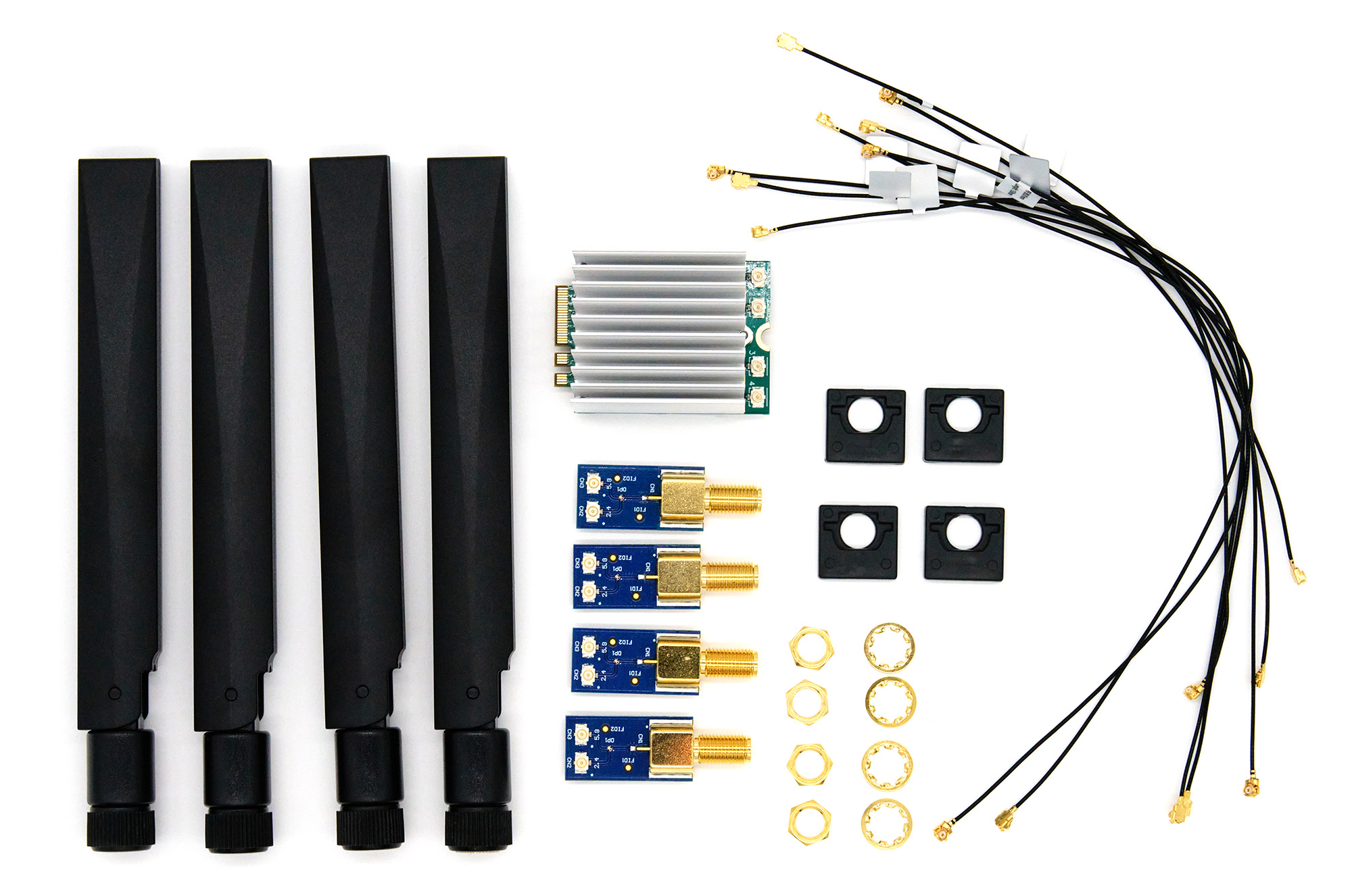
The kit contains Wi-Fi 7 card Noni56M2-2x2-B, four diplexers, four plastic diplexer holders, three MHF1-MHF1 15cm cables, five MHF1-MHF1 20cm cables, two thermal pads, and four YEBT002W1AM antennas.
Wi-Fi 6 Upgrade Kit⚓︎
Every Turris Omnia NG Wired has onboard 2.4GHz Wi-Fi 6. To make use of it, we are offering a set of pigtails and antennas so you can get some basic Wi-Fi connectivity. Screw on the pigtails to the holes that are in the case already, connect the pigtails to the connectors on board and you are good to go.
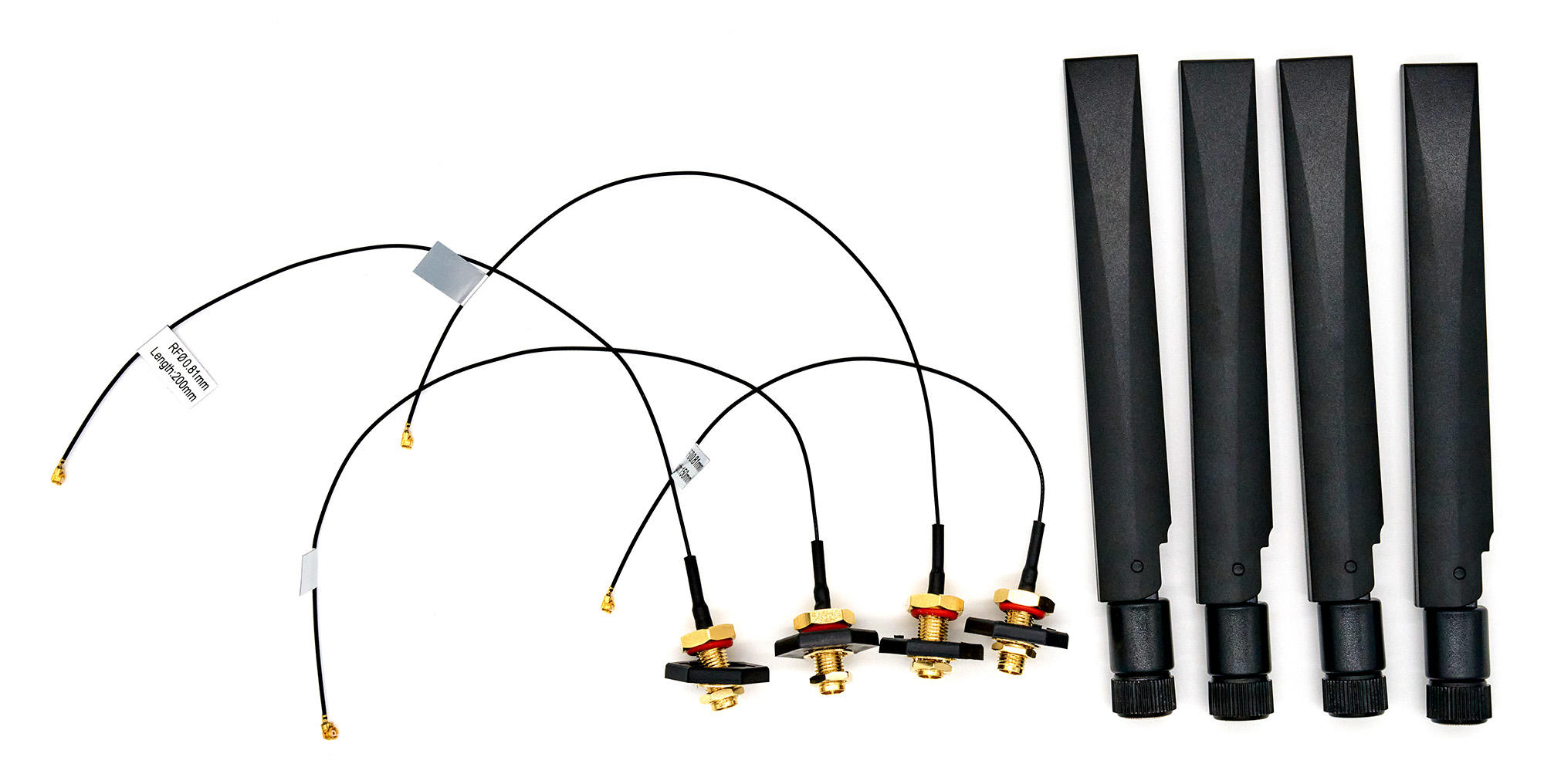
The kit contains three MHF1-RP-SMA 20cm pigtails, one MHF1-RP-SMA 15cm pigtail, four plastic pigtail holders, and four YEBT002W1AM antennas.
5G Kit⚓︎
The 5G Kit contains everything you need (except a SIM card) to get 5G connectivity on your router. Insert the 5G card into an M.2 slot, make sure to insert a thermal pad below the card, glue the heatsink on top of the card, and another thermal pad on top of the heatsink. Also, make sure that you remove the blue cover from the pad before application. Mount the pigtails into the case and connect them with cables to the card, and secure the cables on the card with the attached plastic clip. Insert SIM card that doesn’t require PIN into SIM0 slot and install support for 5G kit from package lists in reForis.
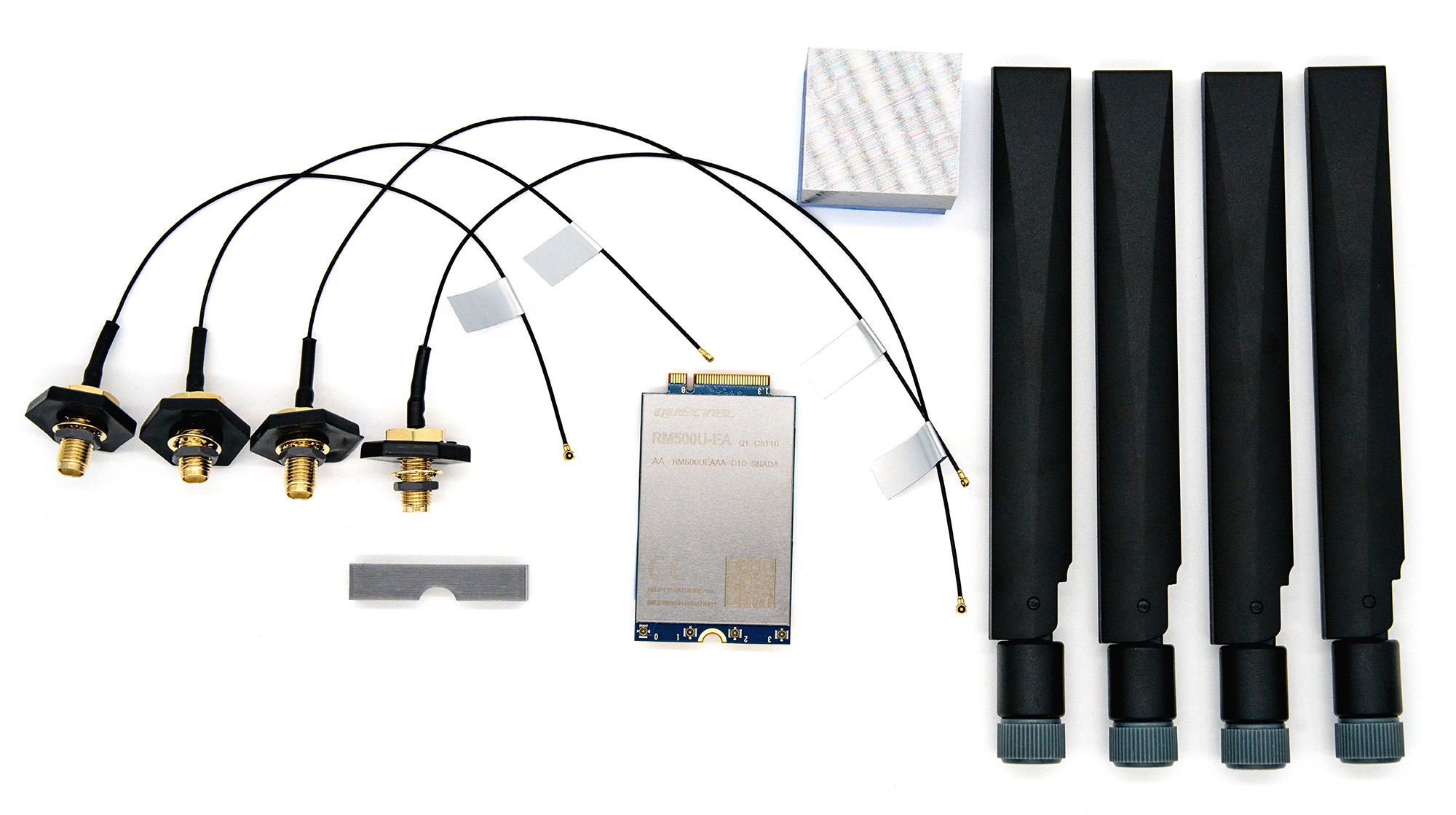
The kit contains a 5G card Quectel RM500UEA, four 5G antennas, two 15cm MHF4-SMA pigtails, two 20cm MHF4-SMA pigtails, four plastic pigtail holders, a plastic clip to secure MHF-4 connectors, a aluminium heatsink, and two thermal pads.
LTE Kit⚓︎
The LTE Kit contains everything you need (except a SIM card) to get 4G/LTE connectivity on your router. There is a neoway N723-EA card, two antennas, two pigtails, two plastic pigtail holders, and an aluminium heatsink.
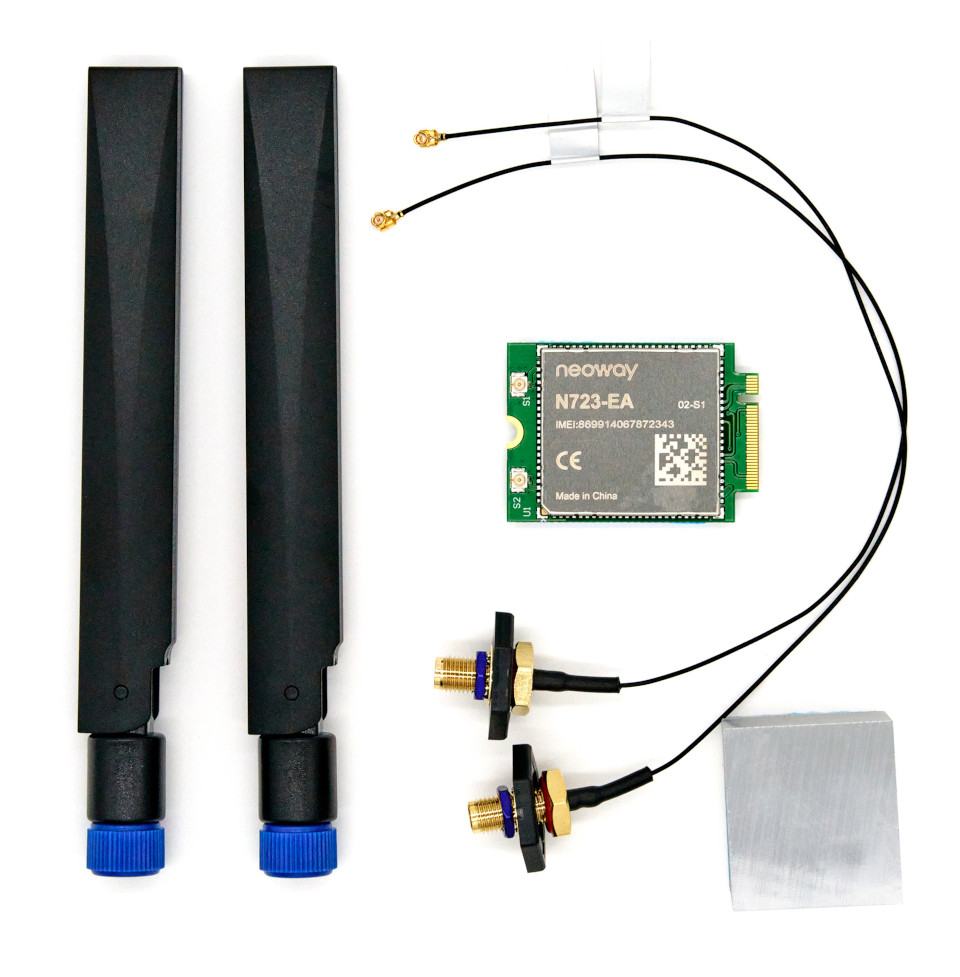
Insert the card into a M.2 slot, glue the heatsink on top of the card, and mount the pigtails into the case and connect them with cables to the card. Insert a SIM card that doesn’t require PIN into the SIM0 slot and install support for the LTE Kit from the package lists in reForis.
SFP+ Kit⚓︎
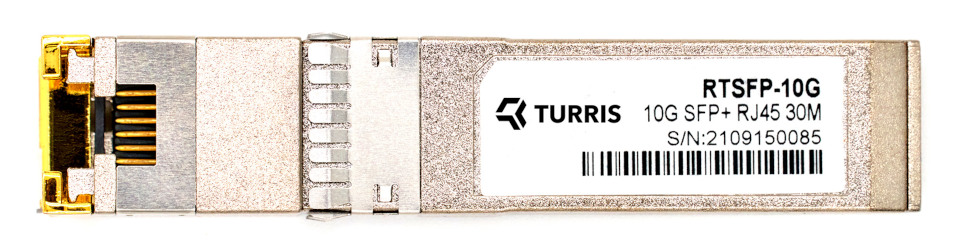
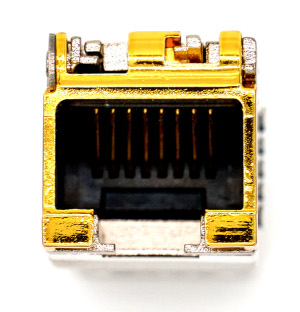
This kit allows you to utilize the SFP ports on your Omnia NG or Omnia NG Wired to connect it into a 10Gbps metallic network (with RJ45 connectors and Cat 6A cables). It contains an RTROM01-RTSF-10G module that is capable to switch between 1G / 2.5G / 5G / 10 Gbps data rates.
Important
Remember that the maximum cable length depends to the data rate. The limit is 100m for 1Gbps, but only 30m for 10Gbps.